Auto-fix
-
Danilo Pala
- 15 Jul, 2026
- 03 Mins read
Auto-fix
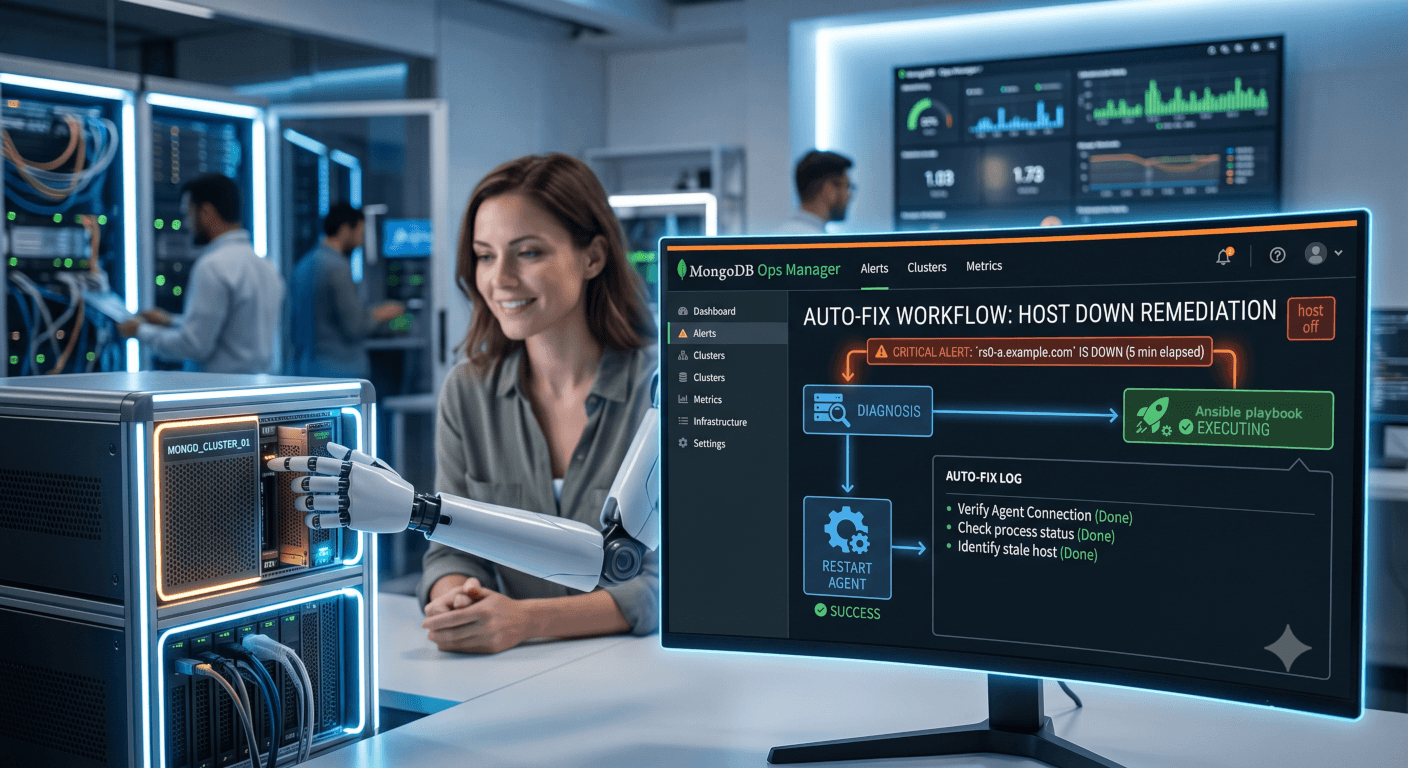
I've just released an "Auto-fix" for MongoDB Ops Manager Alerts. Let me explain how it works.
I’ve been using MongoDB Ops Manager for many years. As you likely already know, it allows us to configure alerts at both the project and global levels.
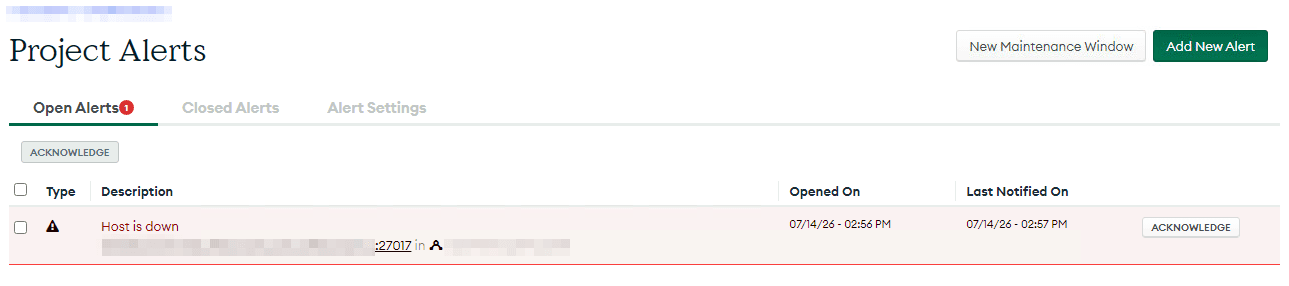
For this article, I configured a project alert for a host down event.
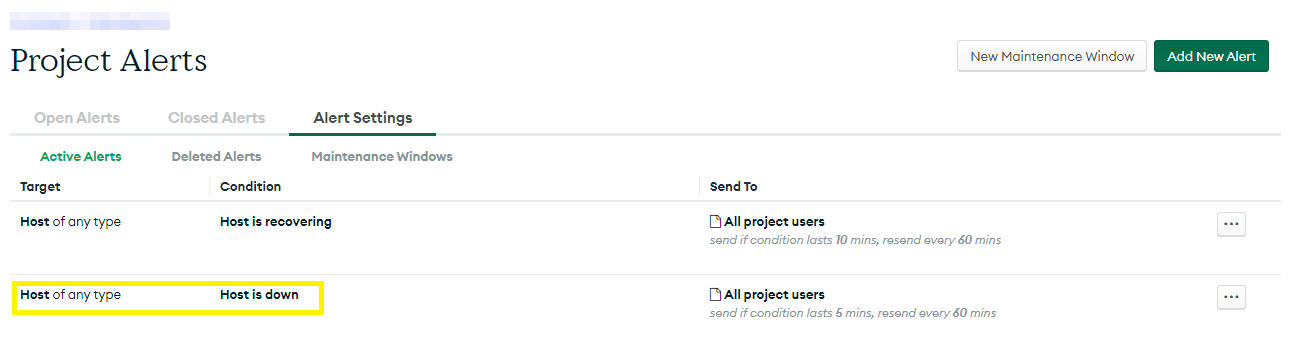
Then, to simulate a real-world scenario, I went to the server where the instance was running and shut it down. As expected, the alert was triggered after a few minutes.
Note: It's important to mention that this instance was only monitored by the monitoring agent, not managed by the automation agent.
I previously developed a custom dashboard that allows us to monitor all of our client's Ops Managers. When an alert is triggered, it is reported directly on this dashboard, as shown in the image below.
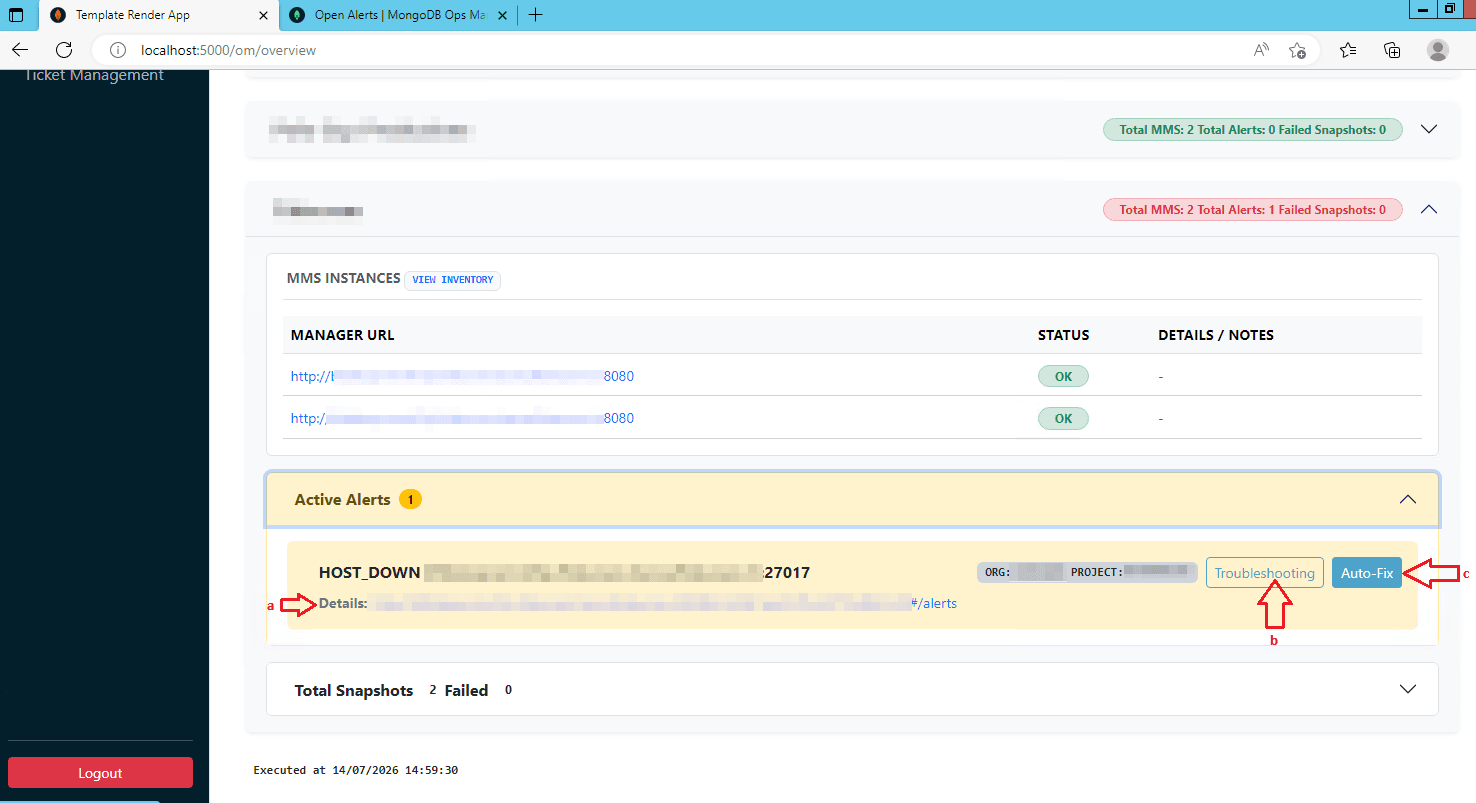
At this point I can:
a. Click on the alert's link, which opens the project's alert page in Ops Manager.
b. Click on "Troubleshooting", which renders a step-by-step template of the fixing procedure for this specific alert event.
c. Click on "Auto-fix", which is the action I want to focus on in this article.
When you click 'Auto-fix', the app maps a template of "change" to that specific alert. It automatically pre-fills any arguments it can draw from the alert data, while letting you modify them or manually insert the rest.
For this specific case, I developed an Ansible playbook to fix the host down event. It only expects three arguments, as shown in the image below.
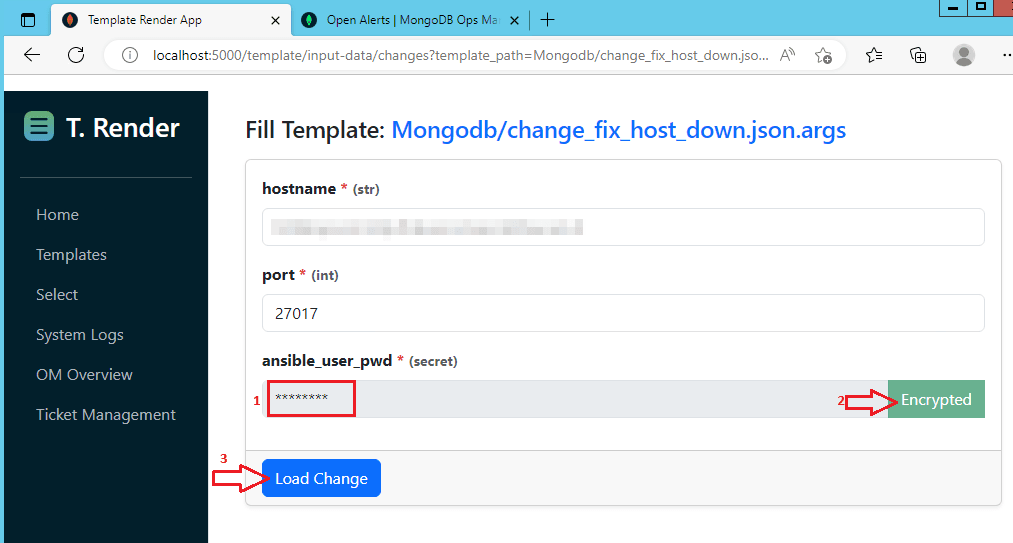
Note: If you are curious about the password argument: there are plenty of secure ways to handle this. I could read it from a key vault or a similar service. However, to keep things simple here, I chose to let the user input the password but I would never pass it in cleartext, so it is encrypted before moving forward.
Clicking the "Load Change" button renders the change template with the input arguments and creates the change.
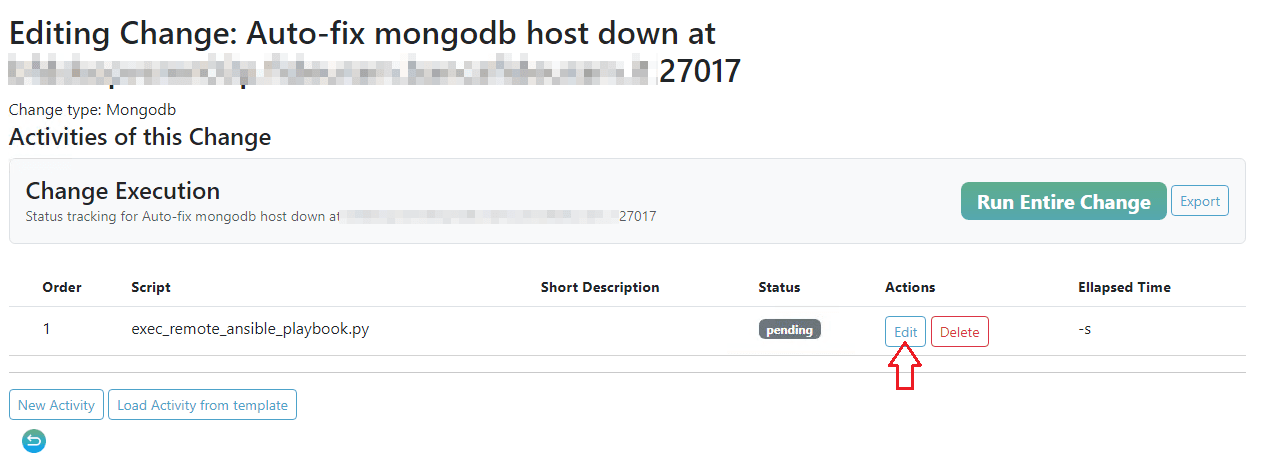
At this point, the change is ready to be executed. However, I’m going to click "Edit" first to show you the details of the activity:
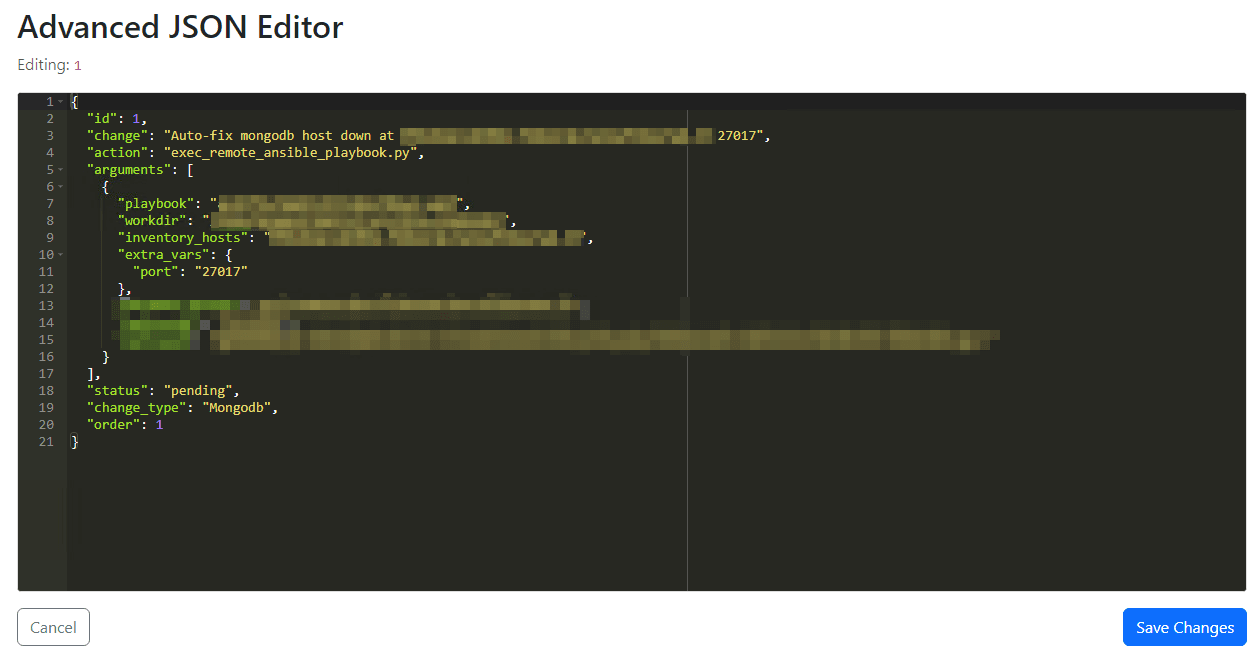
I can modify and save the activity's arguments here, but for now, I'll just click "Cancel" to go back.
Next, I click "Run Entire Change" to start the execution.
The change will be executed in background, and once it finishes, the details will be reported on the "Execution Output" area.
Note: I chose print the datetime in UTC, so you might notice a difference between log times.
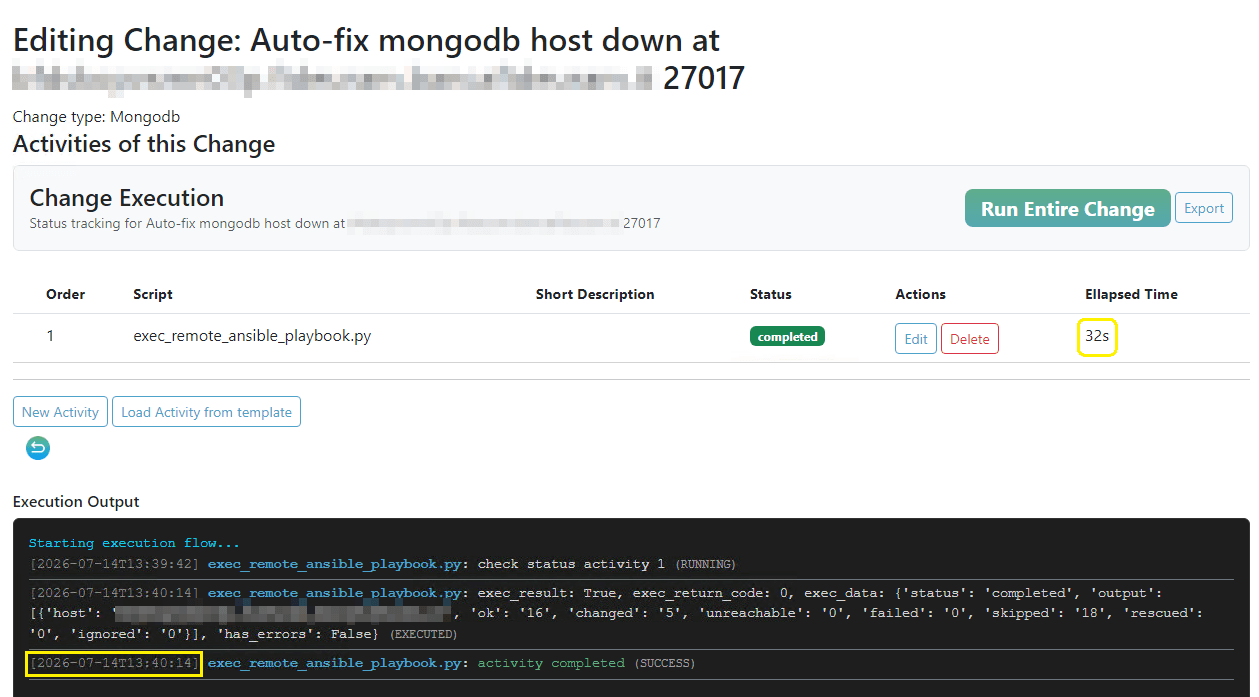
As you can see, it took just 32 seconds to execute the change, including the time to identify and start the instance's service.
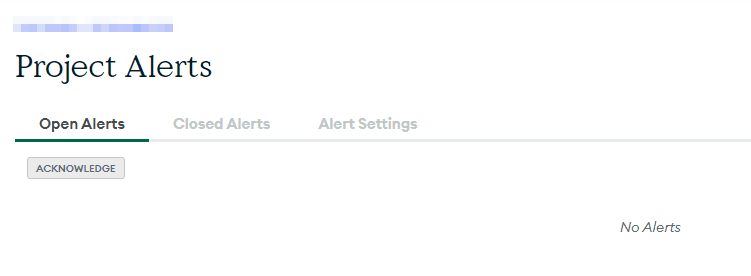
A few seconds later, the monitoring agent checks the state of the instance and closes the alert.
Behind the scenes, we can verify that the service that manages that instance was started at the exact time the change was executed.
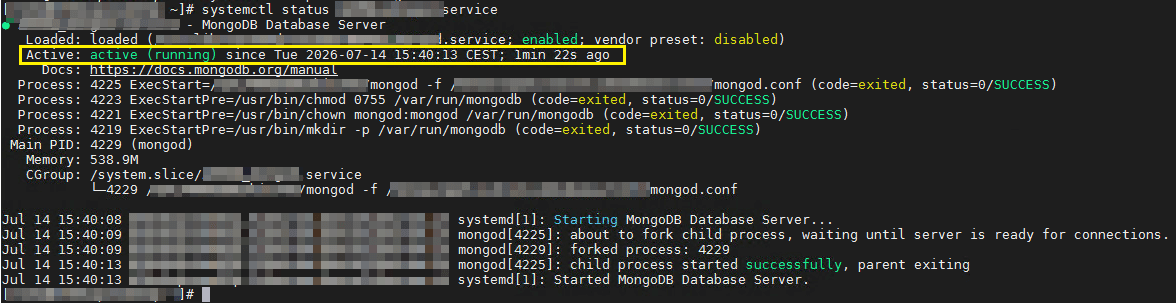
Before concluding, you might ask: "Why do you have an instance managed by a systemctl service if you have Ops Manager?" The answer is that this was an APPDB instance. For those who aren't familiar, APPDB is the replica set of Ops Manager, and it is a best practice not to use the automation agent to manage it.
Having a well-defined "troubleshooting" procedure is very useful, specially in the era of AI agents, but having the possibility to click in an "Auto-fix" button and watch the alert disappear is even better.
One last question: "Danilo, is it possible to automatically trigger the 'Auto-fix' procedure as soon as an alert is identified?"
The answer: "Absolutely. It can be 100% automated."
By Danilo Pala, 15/07/2026

 stefano consonni
 Roberto Barbarito
 Giovanni Maria
  Juri Saleppico